Resources for School Personnel, Families, Students, and Content Creators
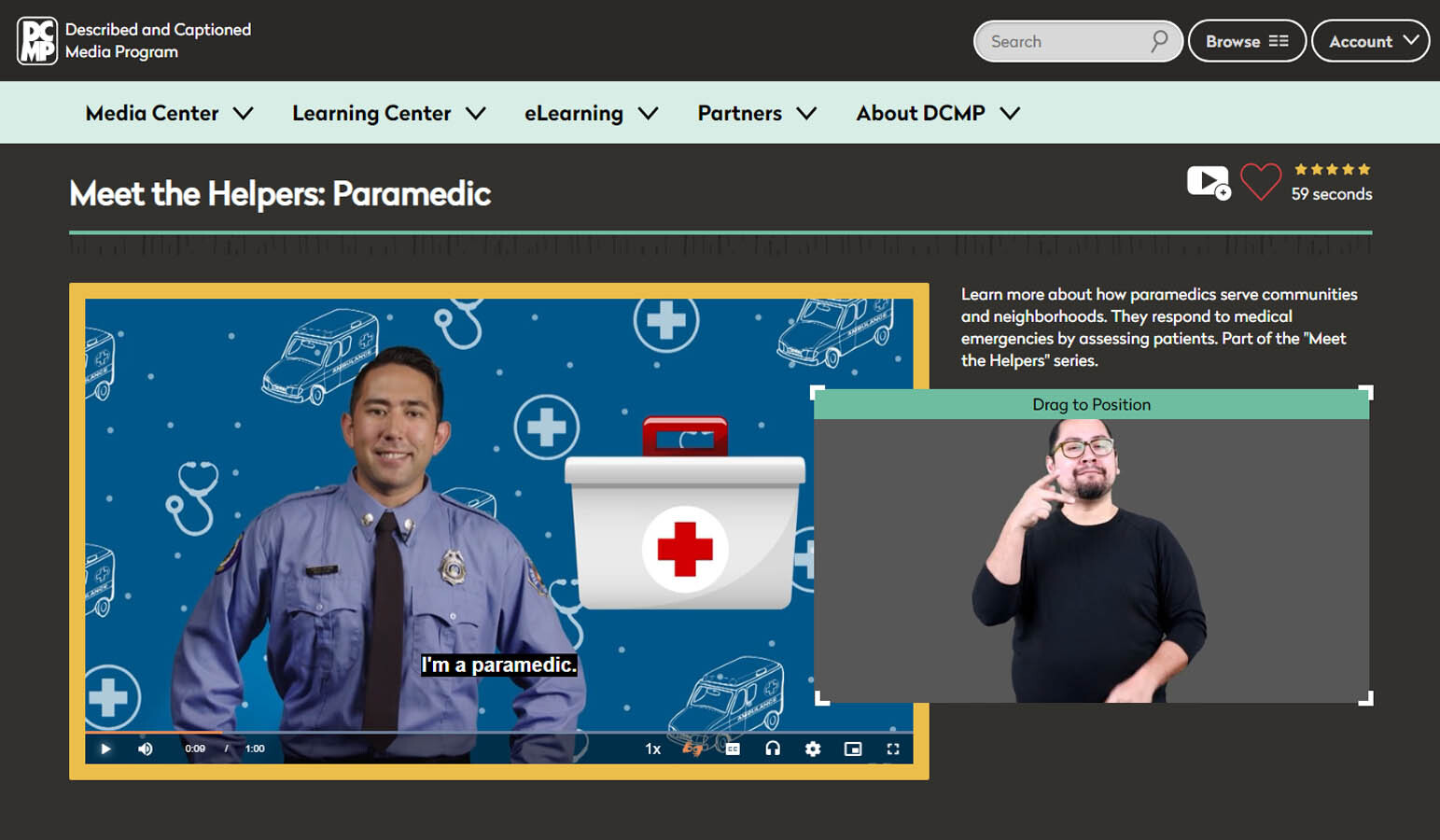
DCMP provides a streaming library of accessible education videos, teaching tools, and professional development opportunities. We partner with educational content creators to provide high-quality captioning, audio description, and American Sign Language (ASL) translation.
Families and school personnel who have at least one early learner-Grade 12 child with a disability qualify for free DCMP membership. Educational professionals in training also qualify.
Professional development opportunities are available to members, and many eLearning resources are available to everyone.
Sign Up for Free MembershipAccessible Educational Videos and Teaching Tools
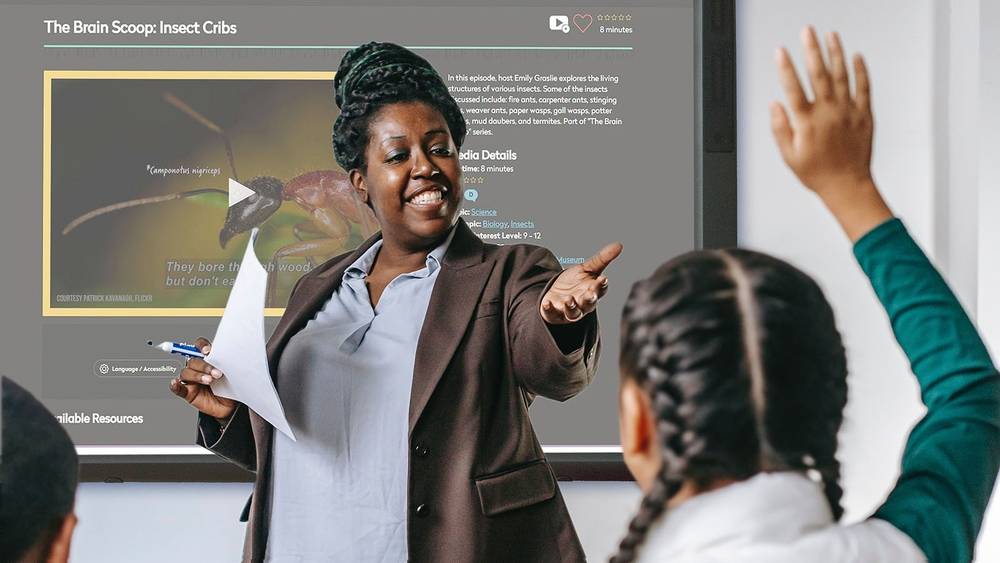
DCMP has thousands of educational videos with high-quality captions, audio description, and ASL that are aligned to state and Common Core standards. Teachers can create lessons, quizzes, and clips of DCMP videos and assign them to Student Accounts.
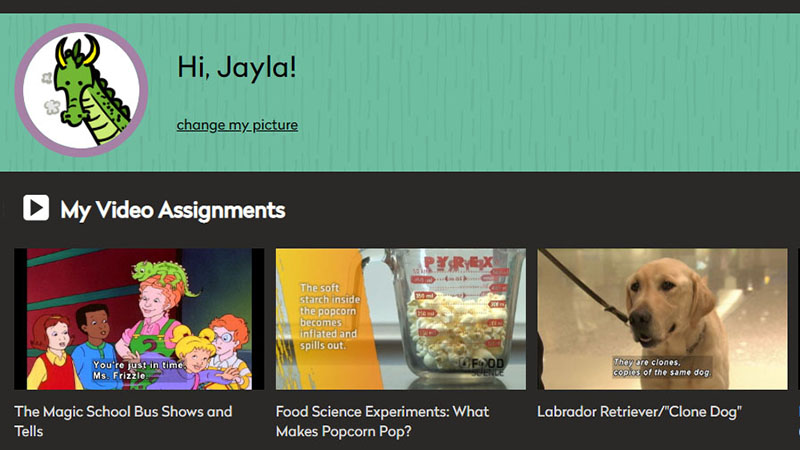
Create and Manage Student Accounts and Classes
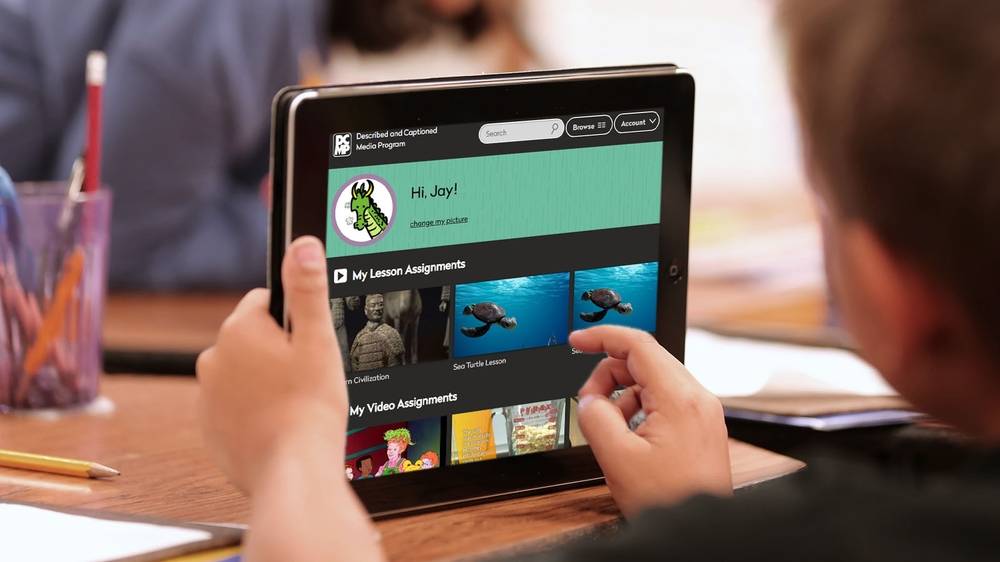
K-12 students under 18 years of age are currently not eligible for their own DCMP membership. However, adult members can create Student Accounts for them.
Learn how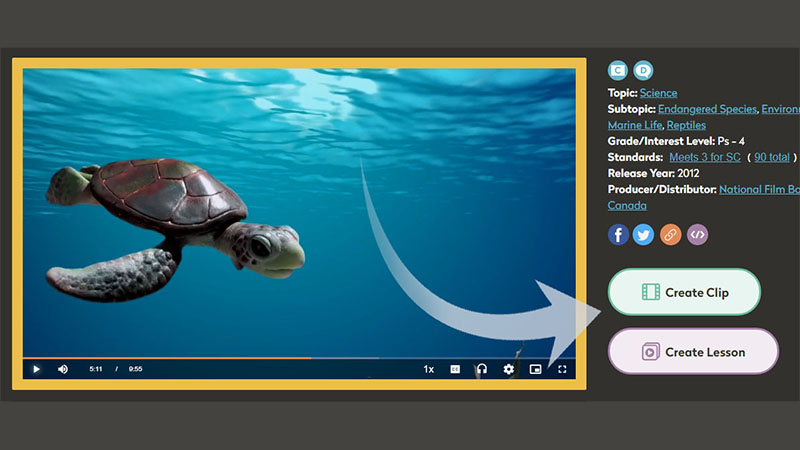
Create Clips, Lessons, and Quizzes
Clips and Lessons allow you to create clips from DCMP videos, and then use those clips as stand-alone videos or as part of a Lesson. A Lesson can include clips, full videos, quizzes, text, and user-submitted files.
Read the full guide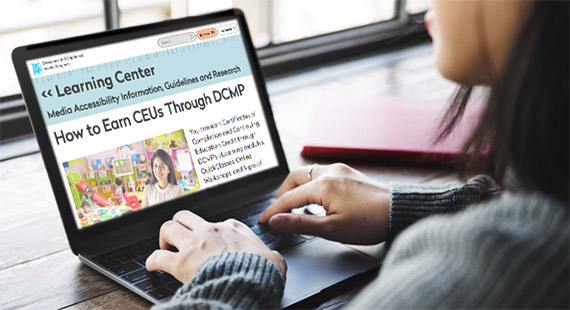
DCMP offers self-paced modules, online workshops, and facilitated QuickClasses. All are free of charge to members.
Professional Development and Continuing Education
Continuing Education Credits
Select trainings are approved for RID, CEUs, and ACVREP credit.
See All CoursesCourses for Professionals and Students
DCMP’s professional courses offer training on use of accessible media in the classroom, educational interpreting, captioning and describing video, and other courses.
Courses for students include peer note taking, transition prep during high school, and learning the essentials about audio description.
We Make Content Accessible
We partner with top educational content creators to help make their productions accessible and available to children with disabilities. Learn how we can help with your educational and broadcast content.
Learn More About Partnering With DCMP